For streamers
Put names on a real marble race for your stream. Each name rides a marble, a leaders list shows who is ahead, and the result is sealed before the first marble moves, so anyone can check it afterwards. For fun. No betting, no prizes.
What it looks like
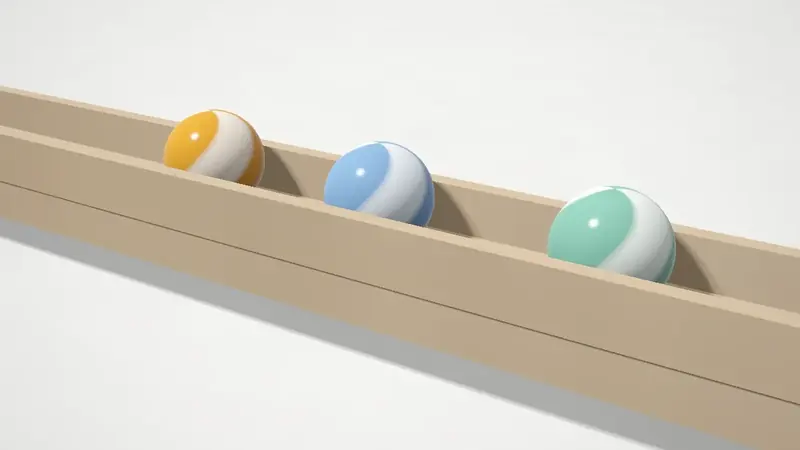
Names for the race
Paste the names, one on each line. Up to 100, and anything longer than 24 letters is cut.
Names straight from chat is not built. That needs a connection to Twitch or YouTube, and there is none. For now, copy the names from your chat or a sign up list and paste them here.
9b9c 7375 5dd3
When the race ends you can run it again from its seed and check that the code matches, and copy the full proof. The seed is part of the link, so anyone with the link can replay the exact race. Camera moves and slow motion only change how it is shown, never what happens.Recut the replay
What works today, and what does not exist yet.
Works today
- Watch mode: the camera picks its own shots and slows for a close finish.
- Follow the leader, or the whole track, and speeds of 0.5x, 1x and 2x.
- Record a clip: vertical 9:16, square 1:1 or wide 16:9, for 15, 30 or 60 seconds, with the oddlyplay mark switched on or off.
- Clean screen hides every control, so a window capture shows only the race. Escape brings them back.
Coming Not built yet
- Pick the start and end of a clip on a timeline, from the start to the photo finish.
- Side and drone camera angles.
- Slow motion that you place yourself.
- A caption on the clip.
Putting it on your stream
Open the race, press Clean screen, and capture the browser window in OBS or your streaming app. Press Escape to bring the controls back. A dedicated browser source and a tall layout for phones are not built yet, so a window capture is what works today. The record button makes a vertical clip when you want one for later.